Clone review desk.
One queue for every creation. Review the details, approve the package, and manage delivery.
Review queue
Choose a clone from the queue
Your review
starts here.
Select a creation from the queue to inspect its model and NFT artwork.
Preview controls: adjust how your 3D clone is displayed.
Studio: neutral white light for checking your clone’s colors and details.
Materials: shows textures, shading and reflections. Untextured sculpts appear as gray clay.
Drag to rotate · Scroll or pinch to zoom · Use Spin model for a full turn
Make your mark.
An original character. An unmistakable identity.
A great clone starts
with a clear concept.
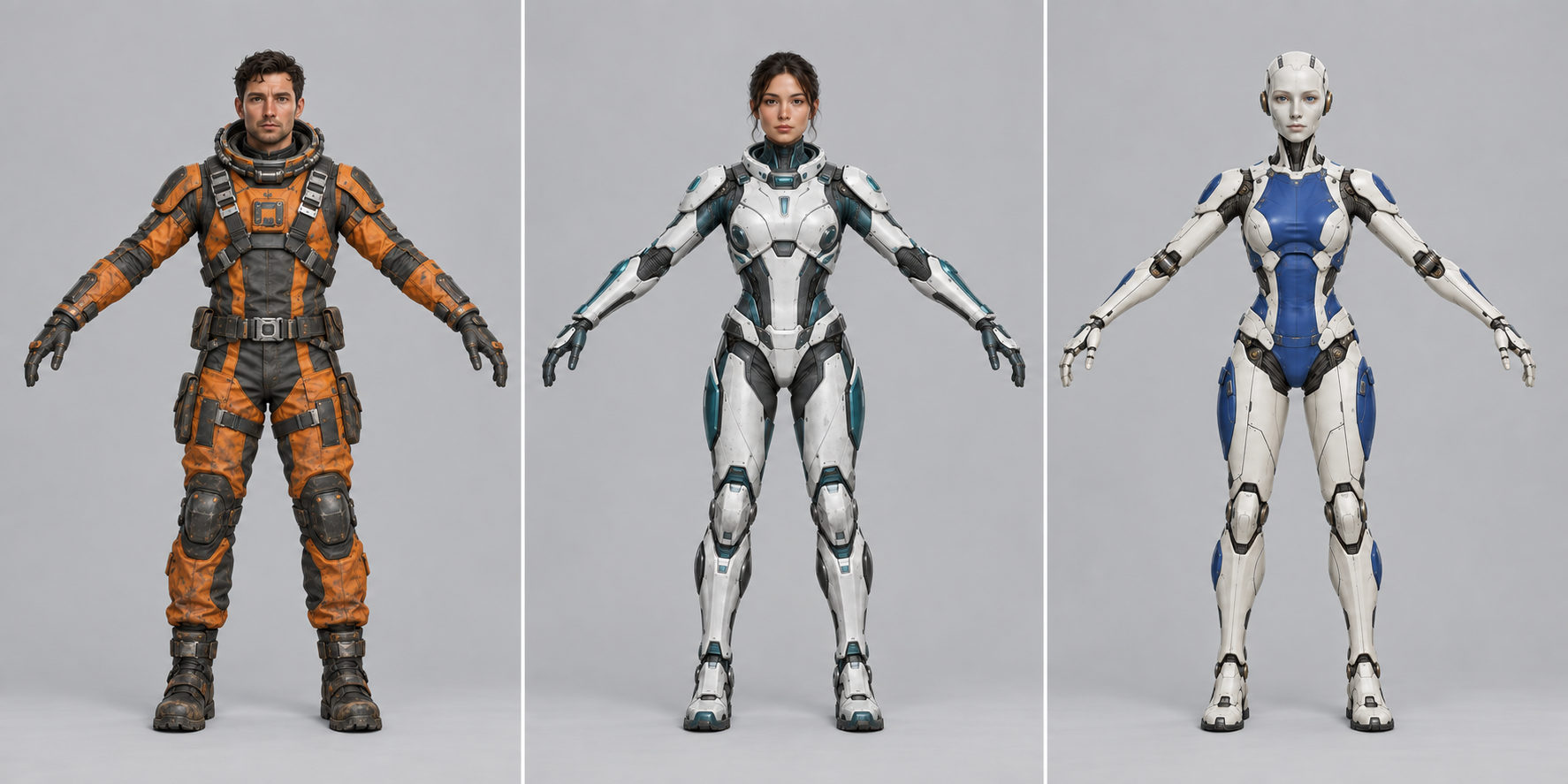
Generate your concept here from a text description or reference image. Every reference is rebuilt into a compatible A-pose, then checked before modeling. Stand upright, looking directly at the camera in a relaxed A-pose. Revealing clothing and cleavage are fine; explicit nudity is not allowed. Passing concepts unlock modeling automatically.
- One humanoid, facing forward
- Full body, head and feet in frame
- Relaxed A-pose, arms clear of the torso
- Comfortably straight arms, visible hands
- Legs slightly apart, clear limb gaps
- Plain background and even lighting
- No weapons, props, text or logos
A full-body, front-facing A-pose with clear hands, limbs and feet. The examples above show the required stance.
Action poses, arms against the body, strongly bent arms, side views, cropped boots, weapons or busy backgrounds. These obscure the anatomy needed for modeling and rigging.