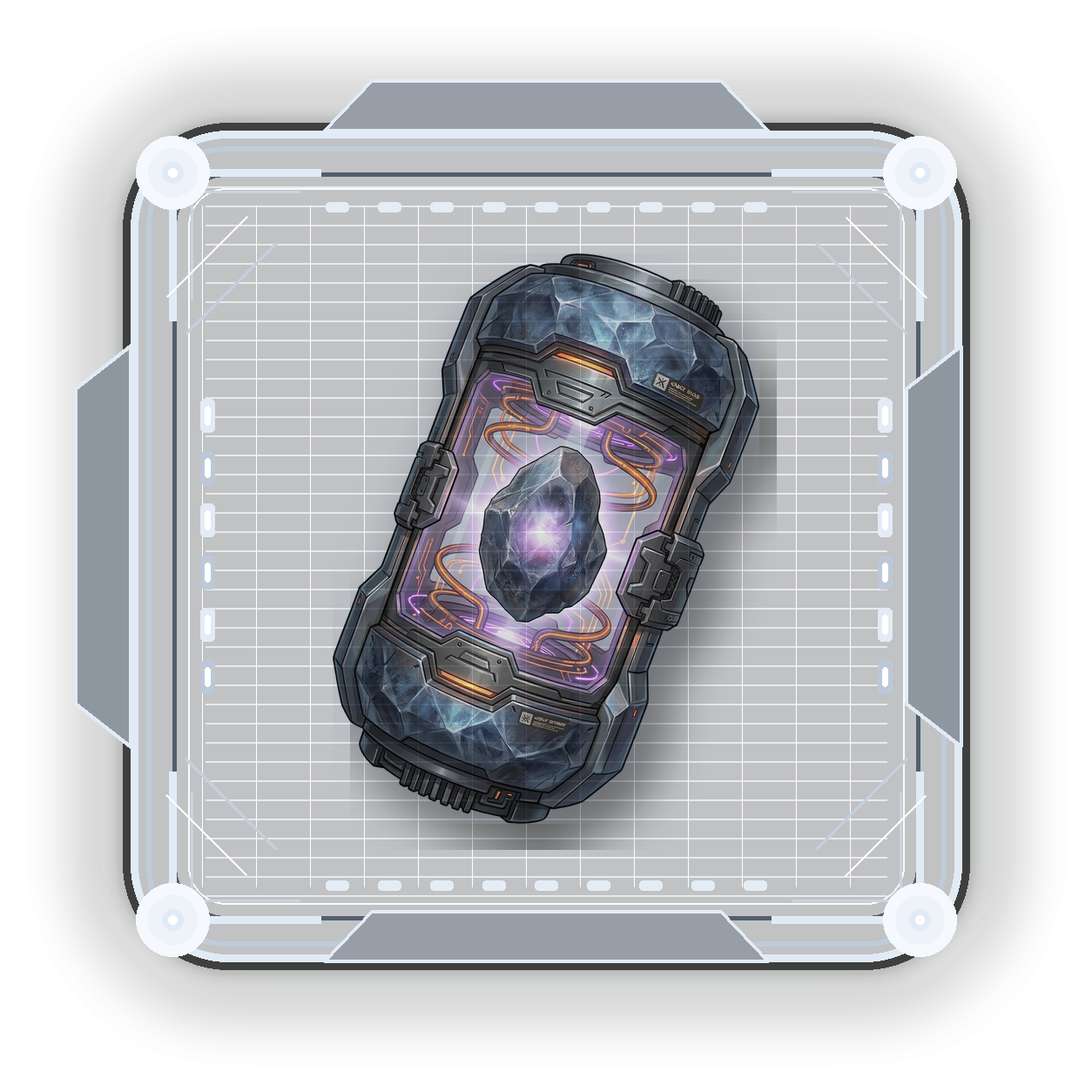
Generic Capsule
Cheap random roll from the full normal stat pool. It cannot roll corrupted effects or Legendary-only chase stats. Best for early experiments and cheap rerolls.100 BITS rollCommon onlyNo corruption
Clone augmentation turns a basic clone into a finalized 4-slot augmented NFT. Use Generic capsules for cheap random rolls, typed capsules for targeted build crafting, corrupted capsules for high-risk power, and Stat Essence when you want to push a roll harder.
Generic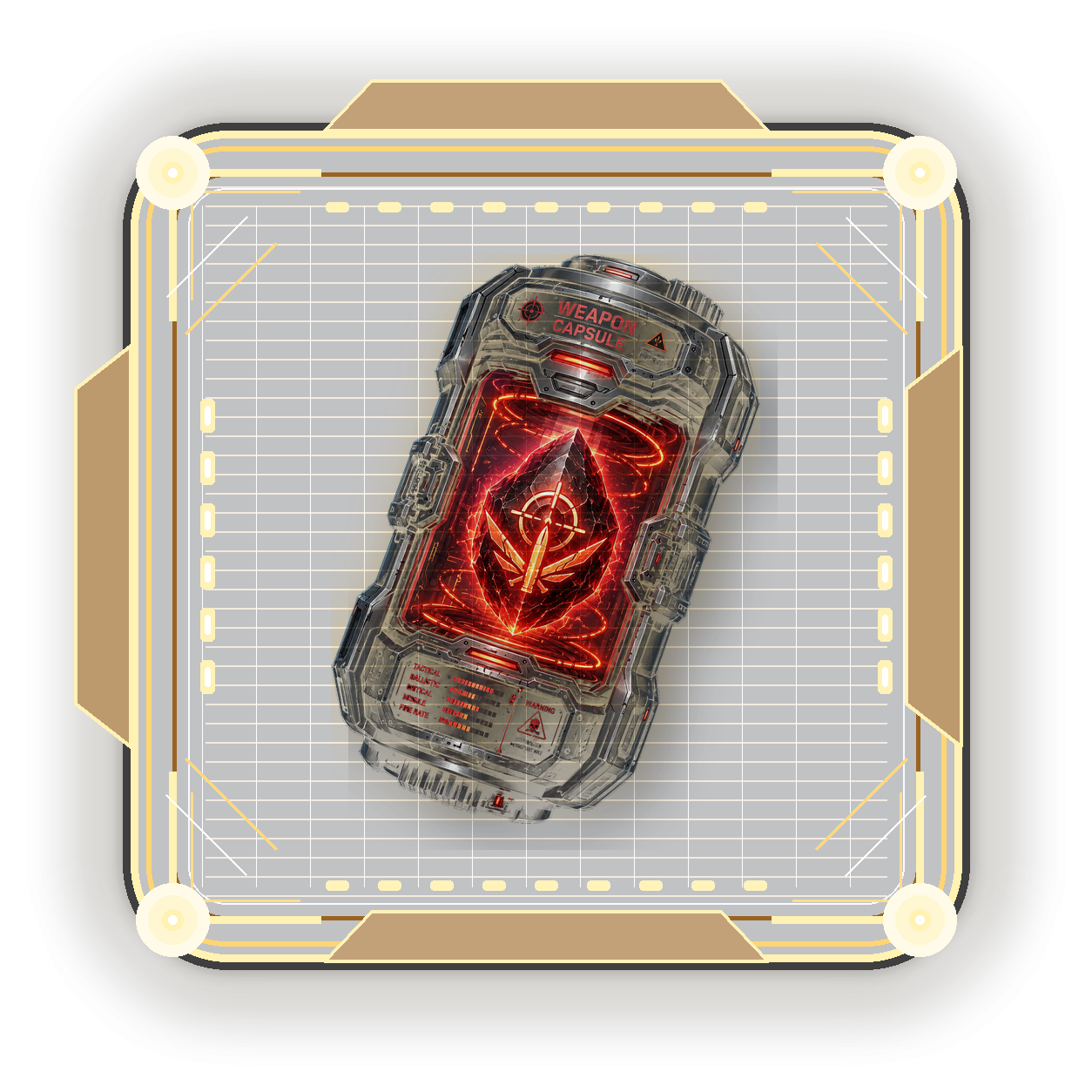 Typed
Typed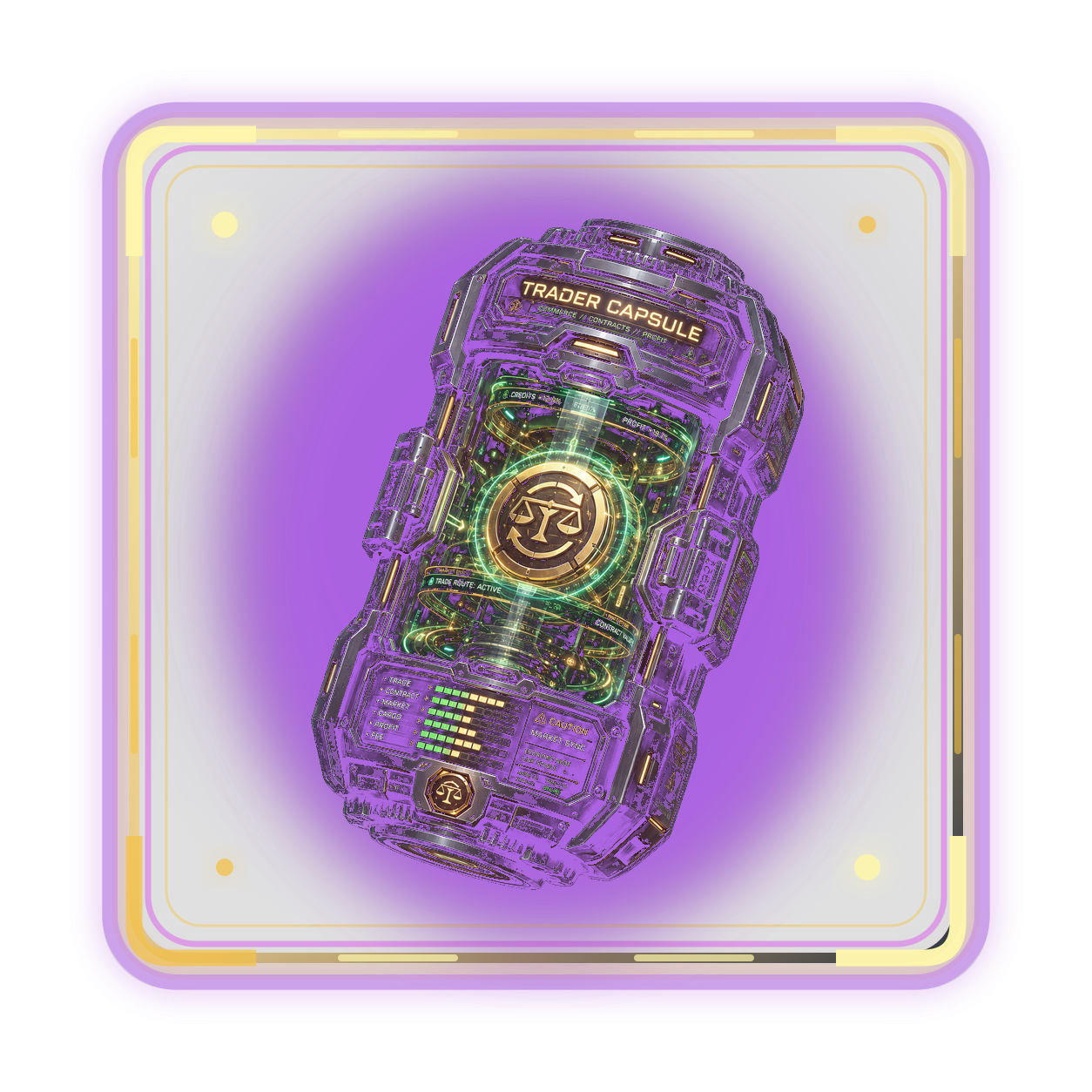 Corrupted
 Stat Essence
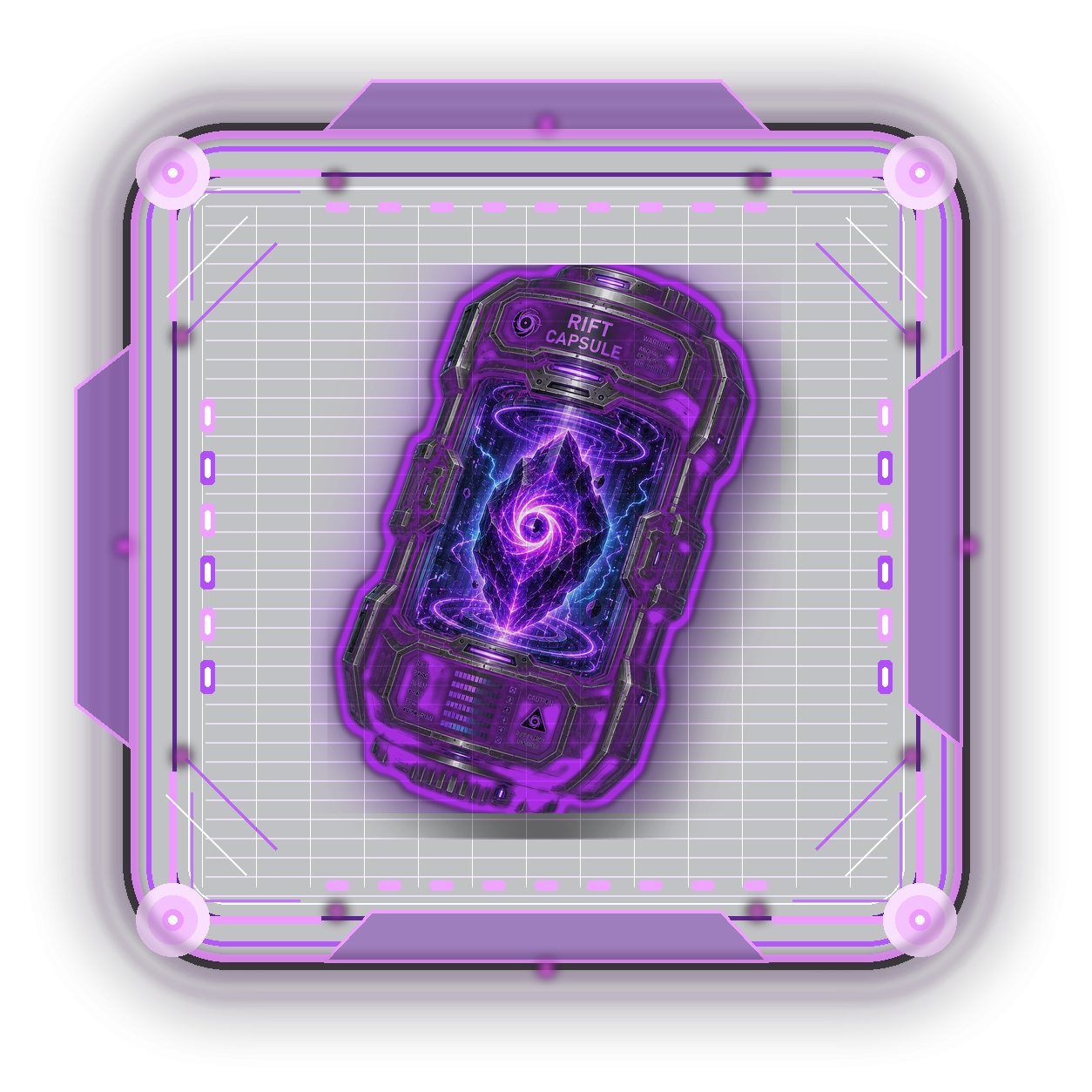 RiftPick CapsuleSelect generic, typed, or corrupted based on how targeted the build should be.Add EssenceOptional Stat Essence can be spent on a roll for better high-value odds.
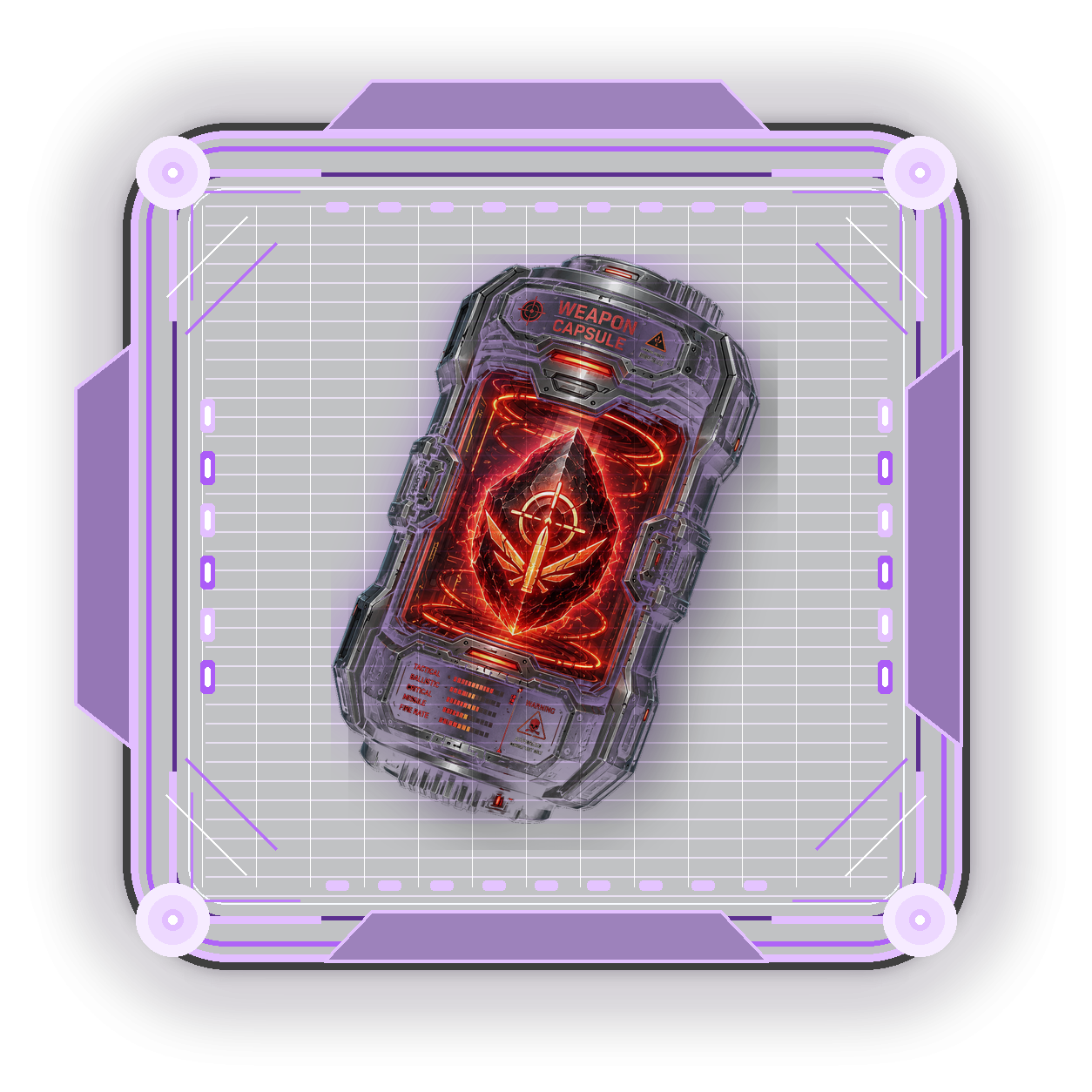 RollThe server consumes 1 capsule, charges BITS, and creates a saved roll session.
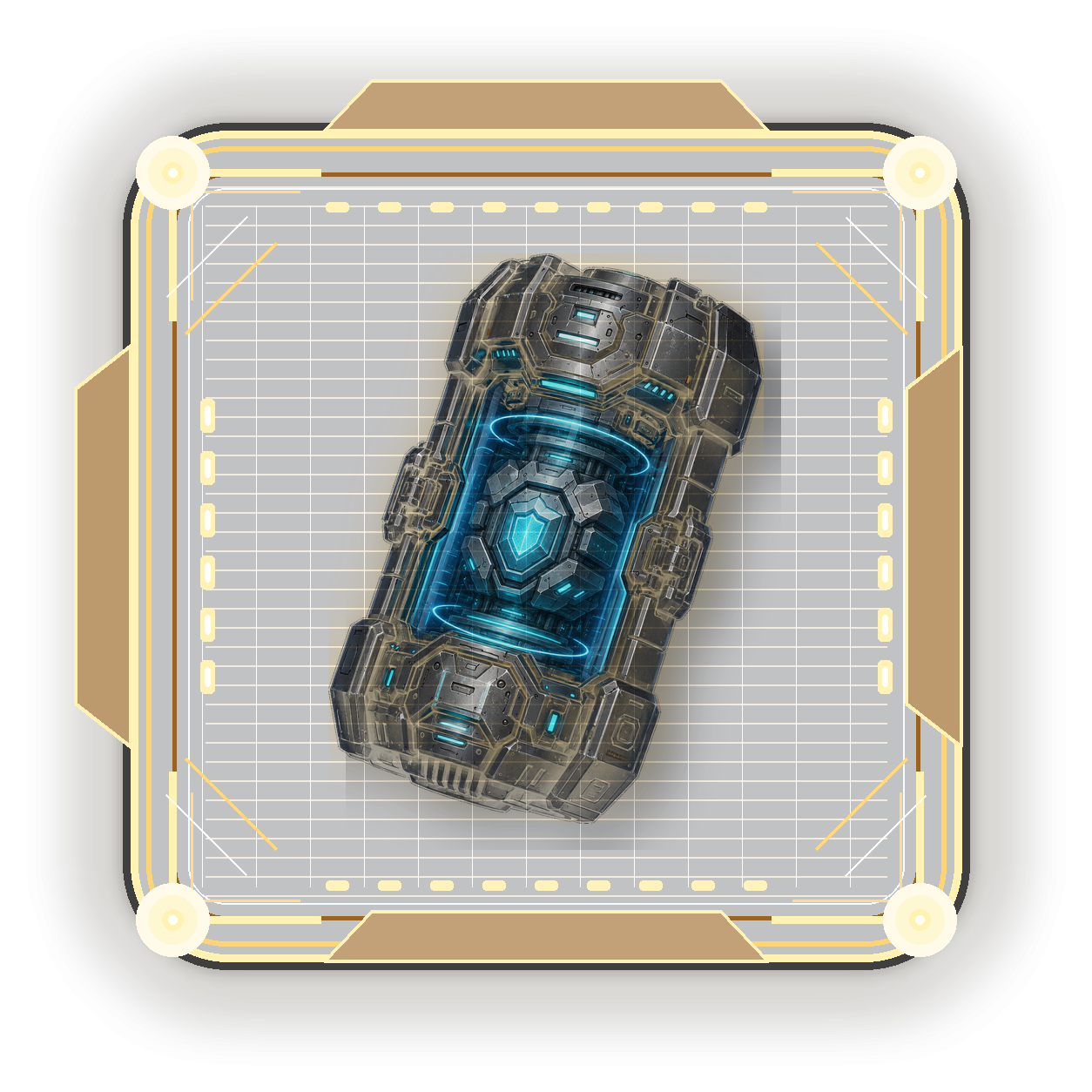 LockKeep great stats in place while rerolling the remaining unlocked slots.
 FinalizeCommit the current preview stats, build class, set bonus, rarity, and family metadata.
 Burn & MintBurn the base clone, then mint the new augmented clone NFT.
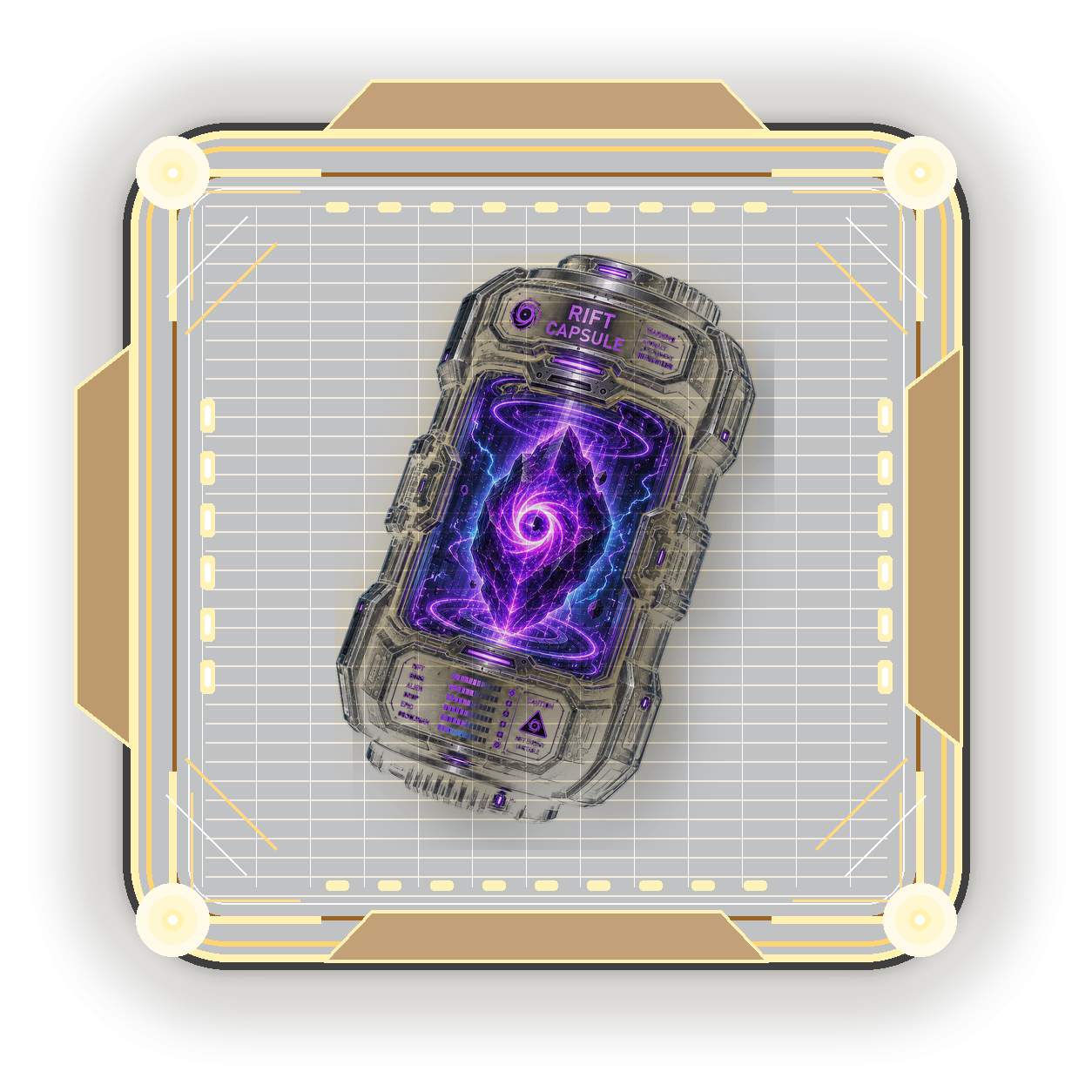
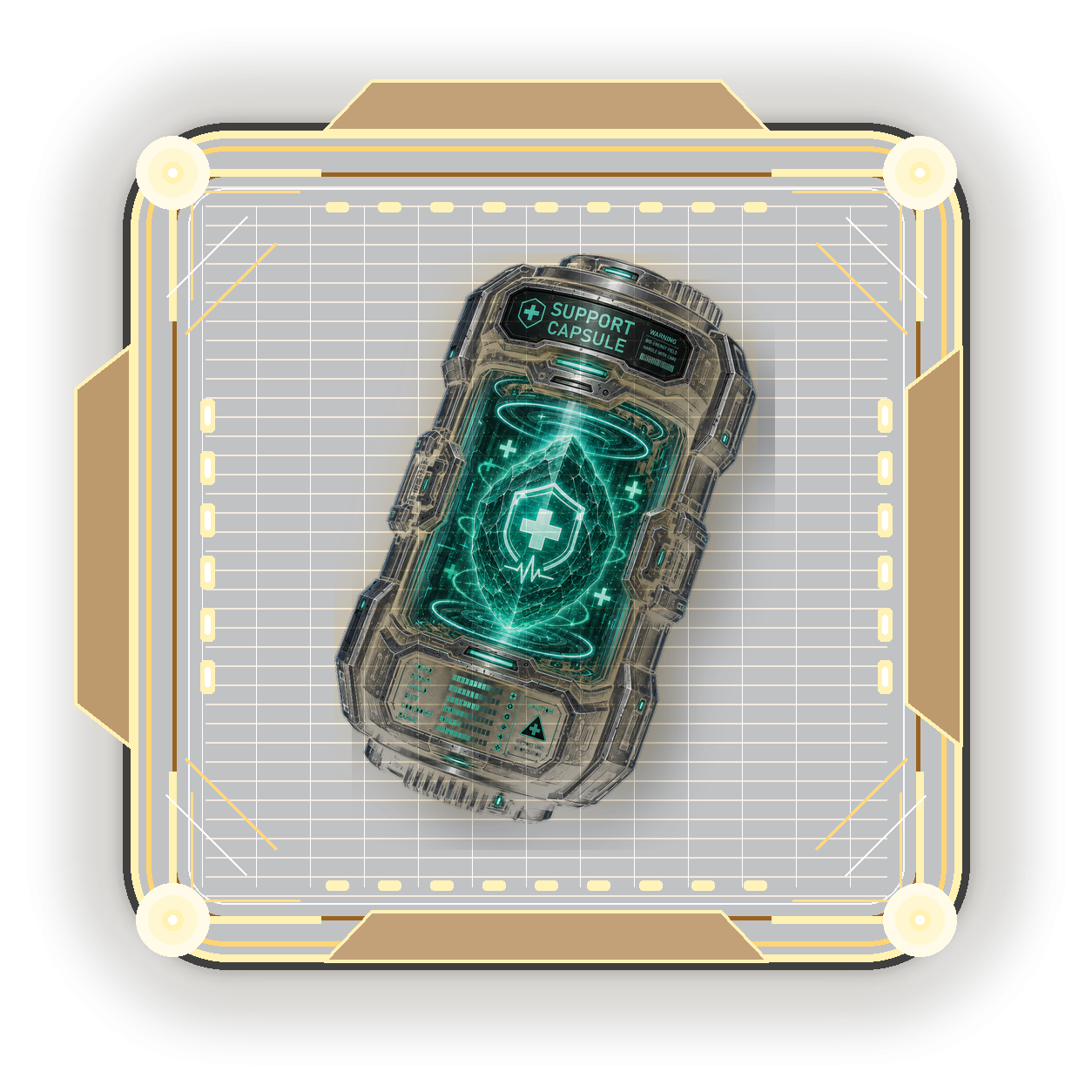
| Capsule | Buy Cost | Craft Cost | Burn Value | Roll Cost |
|---|---|---|---|---|
| Generic | 500 CROWN | 1,500 BITS + 8 OB | 1 Essence | 100 BITS + 1 Capsule |
| Common Typed | 500 CROWN | 1,500 BITS + 8 OB | 1 Essence | 250 BITS + 1 Capsule |
| Uncommon Typed | 1,500 CROWN | 4,500 BITS + 24 OB | 5 Essence | 250 BITS + 1 Capsule |
| Epic Typed | 4,500 CROWN | 13,500 BITS + 72 OB | 25 Essence | 250 BITS + 1 Capsule |
| Legendary Typed | 13,500 CROWN | 40,500 BITS + 216 OB | 100 Essence | 250 BITS + 1 Capsule |
| Corrupted Uncommon+ | 2x typed price | 2x typed craft cost | Same as rarity | 500 BITS + 1 Capsule |
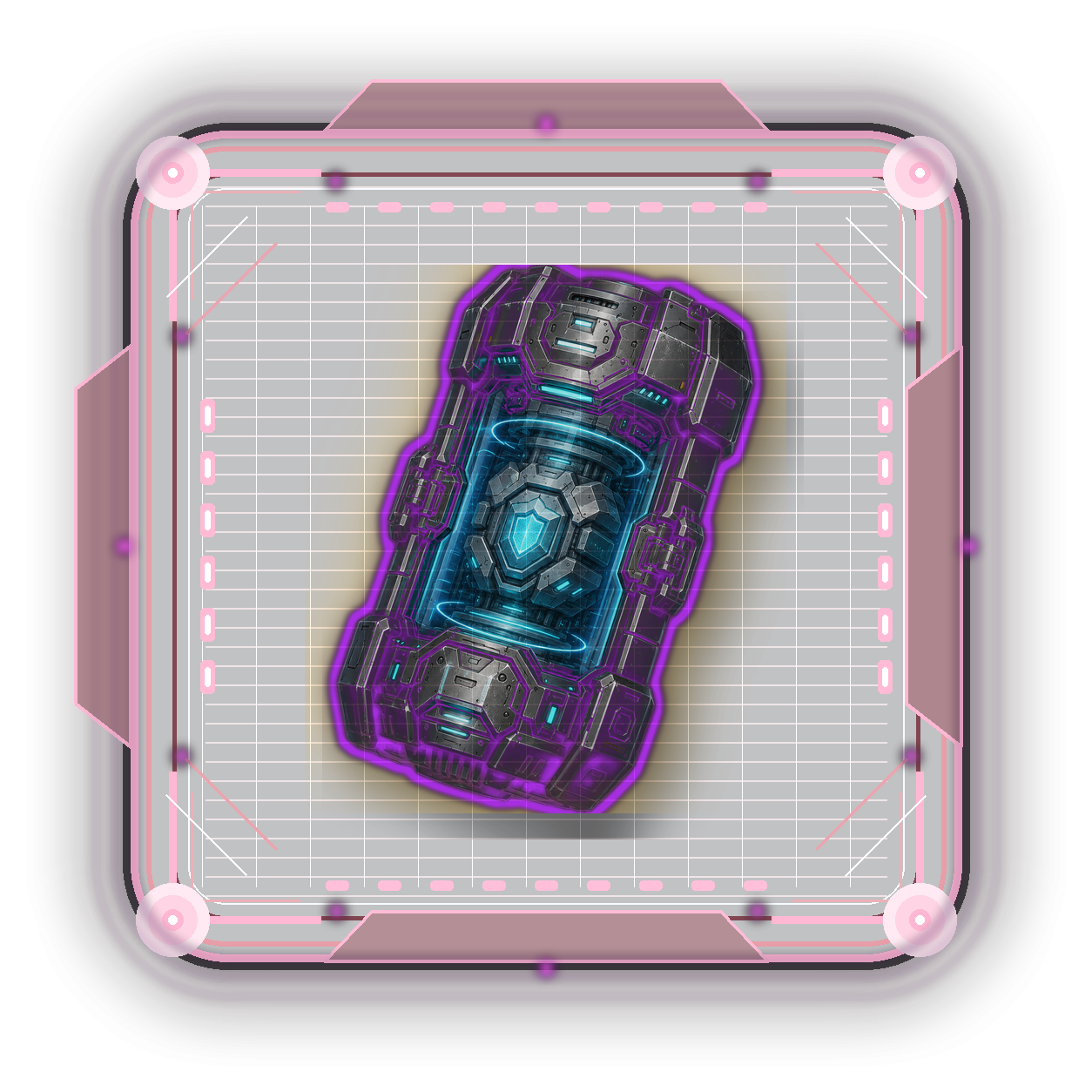
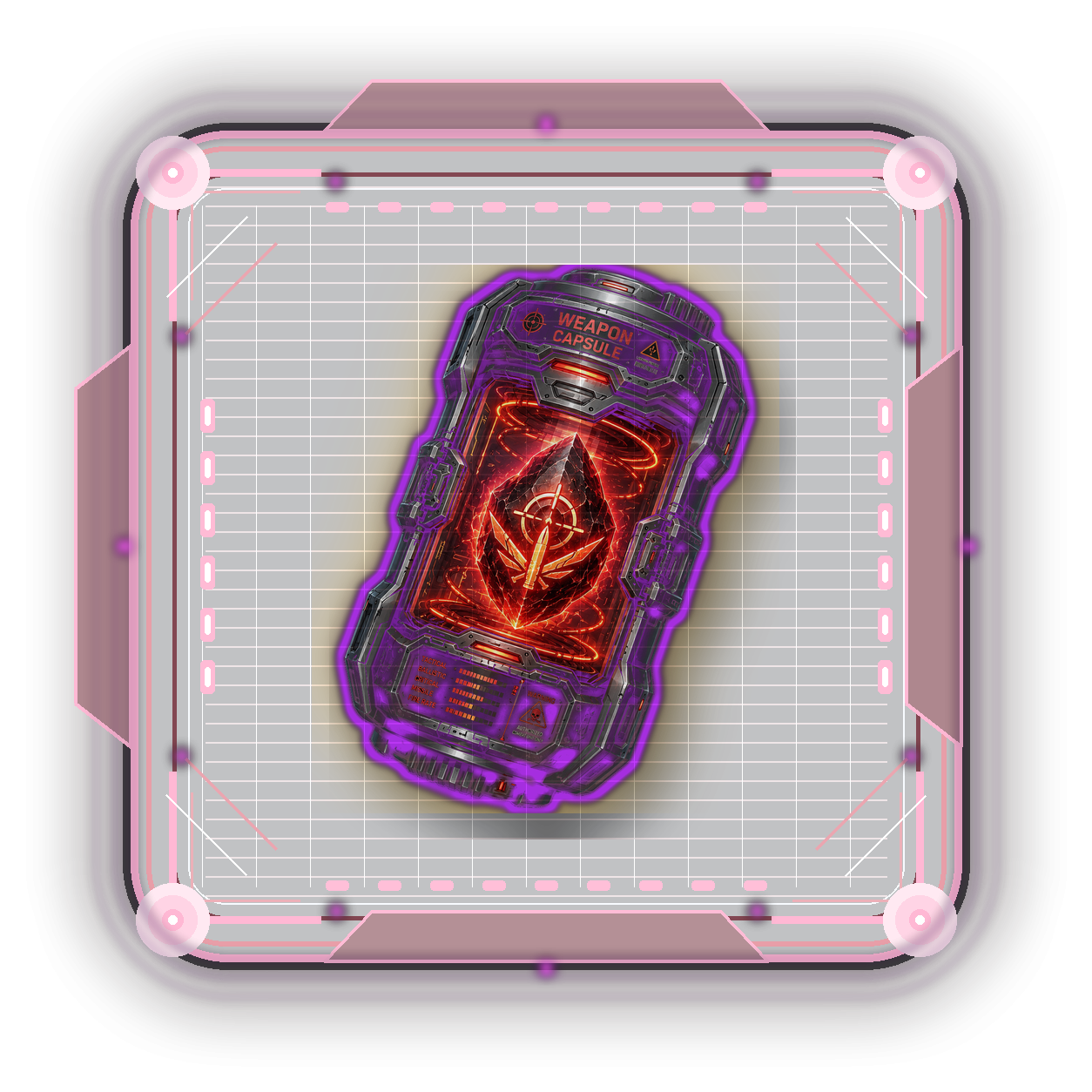
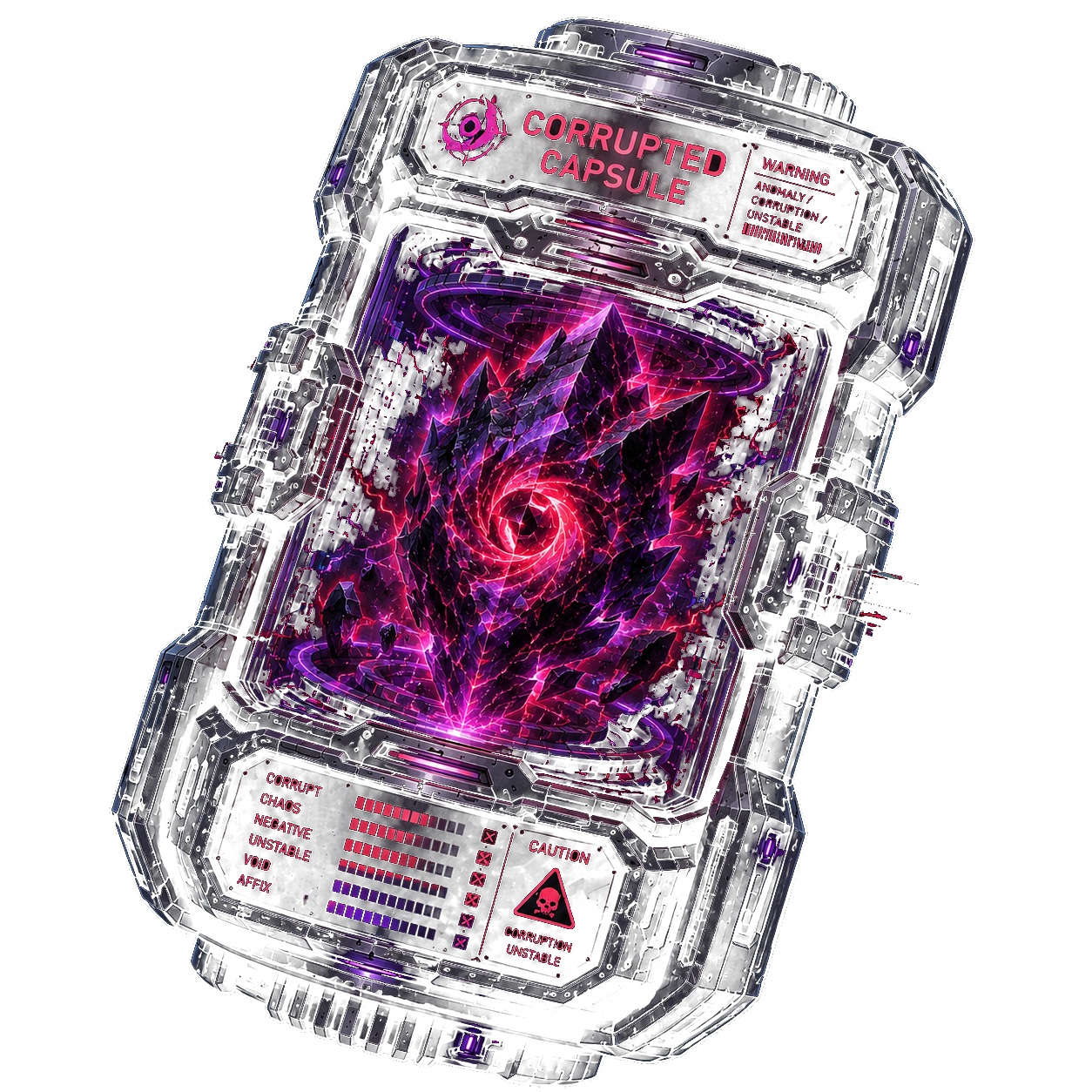
The capsule inventory popup shows every capsule family and rarity, including capsules you own zero of. You can filter by family and rarity, burn unwanted capsules into Stat Essence, or upgrade normal typed capsules into higher rarities.
Burn values: Common 1, Uncommon 5, Epic 25, Legendary 100 essence.Generic: burnable for essence, but only Common and never corrupted.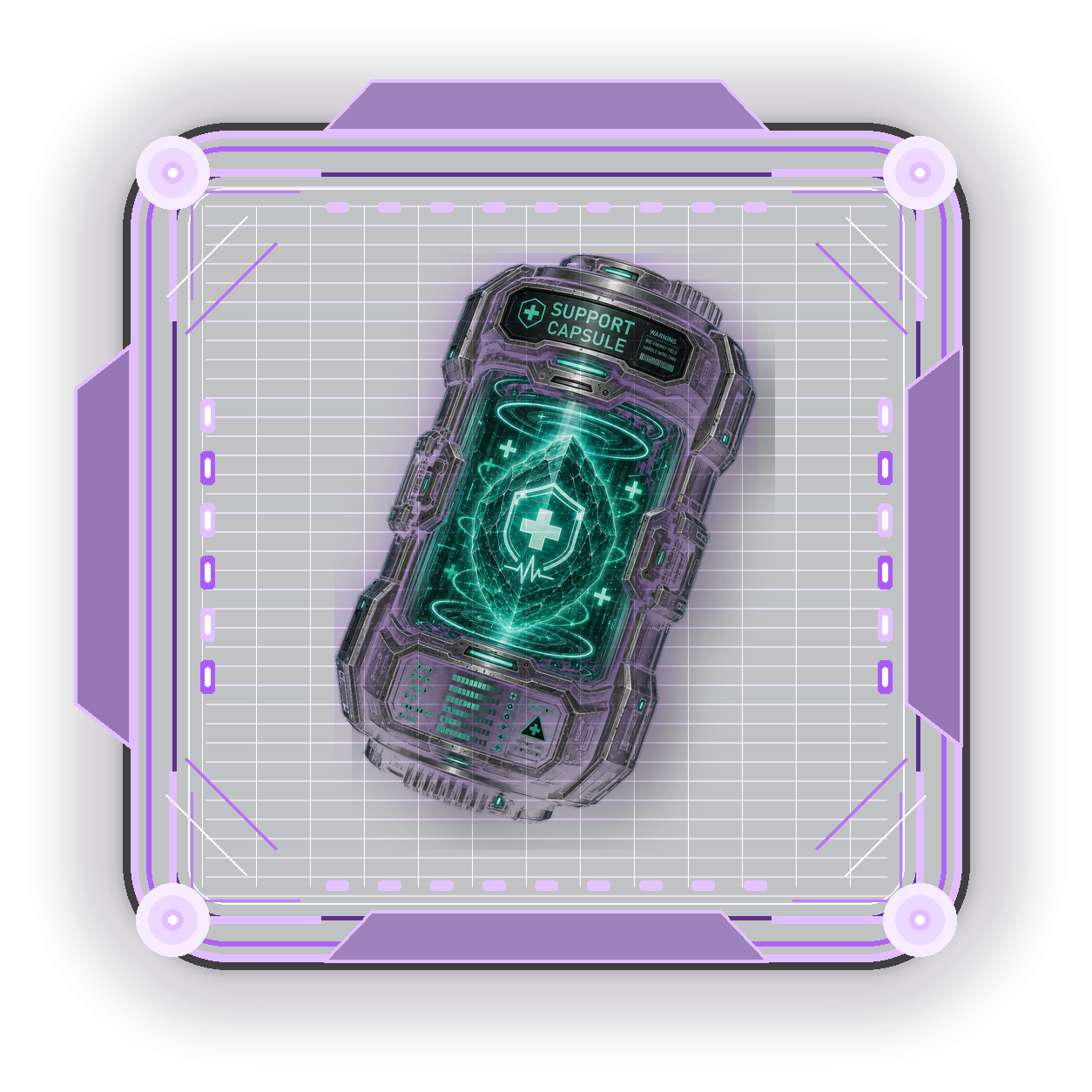 Upgrade: 3 previous rarity capsules plus essence creates 1 higher rarity normal capsule.Roll boost: spend up to 25 essence during a roll to improve high-value odds.
| Family | Example Stats | High-Value Targets |
|---|---|---|
| Tank | Shield HP, Armor HP, Hull HP, Damage Reduction, Shield Recharge | Resistance |
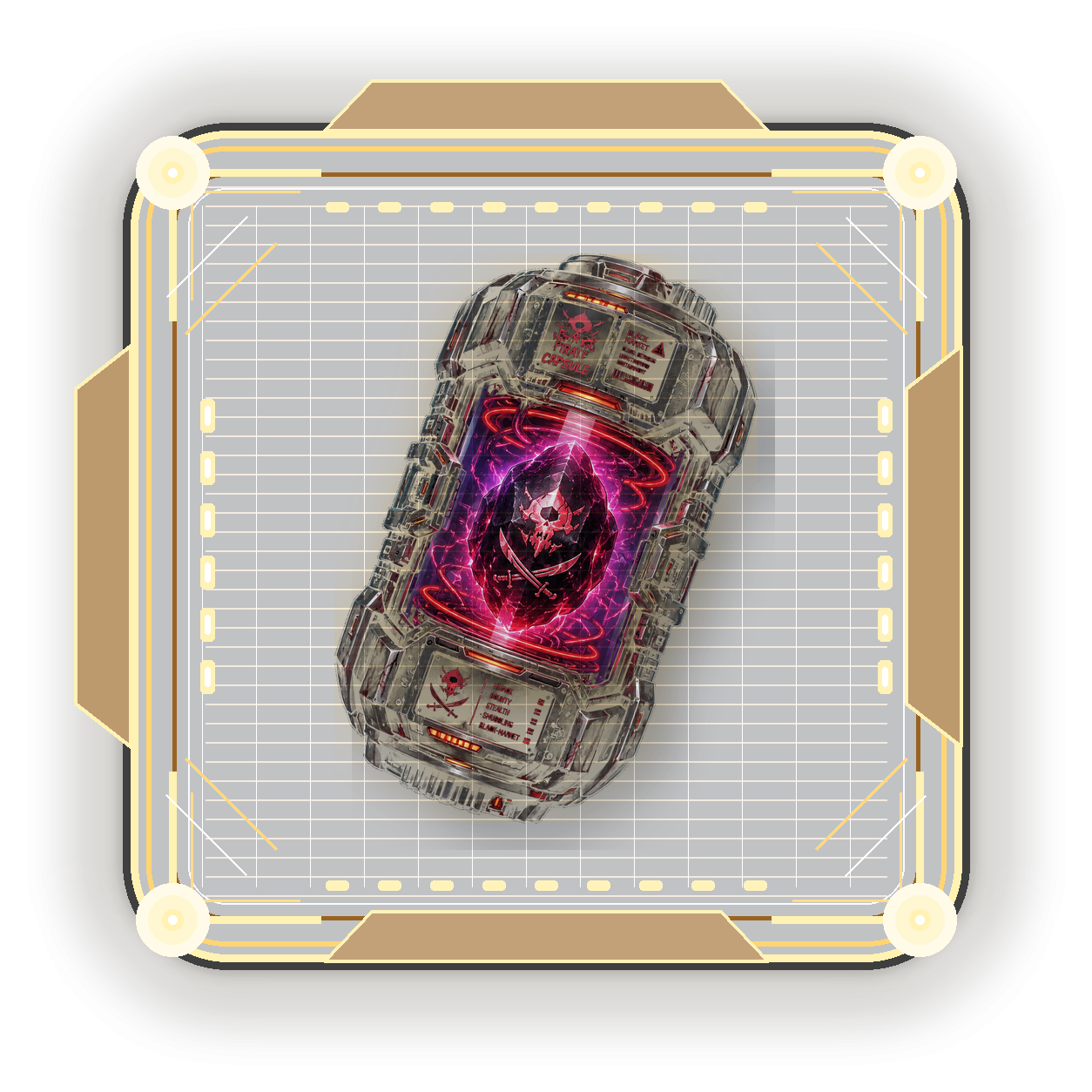
| Pirate | Hijack Profit Return, Cargo Scan Range, Escape Speed, Port Fee Reduction, Bounty Reduction | Stealth Duration, Contract Hijack Return |
| Weapon | Turret Damage, Missile Damage, Crit Chance, Fire Rate, NPC/Shield/Armor Damage | Critical Damage, Missile Range |
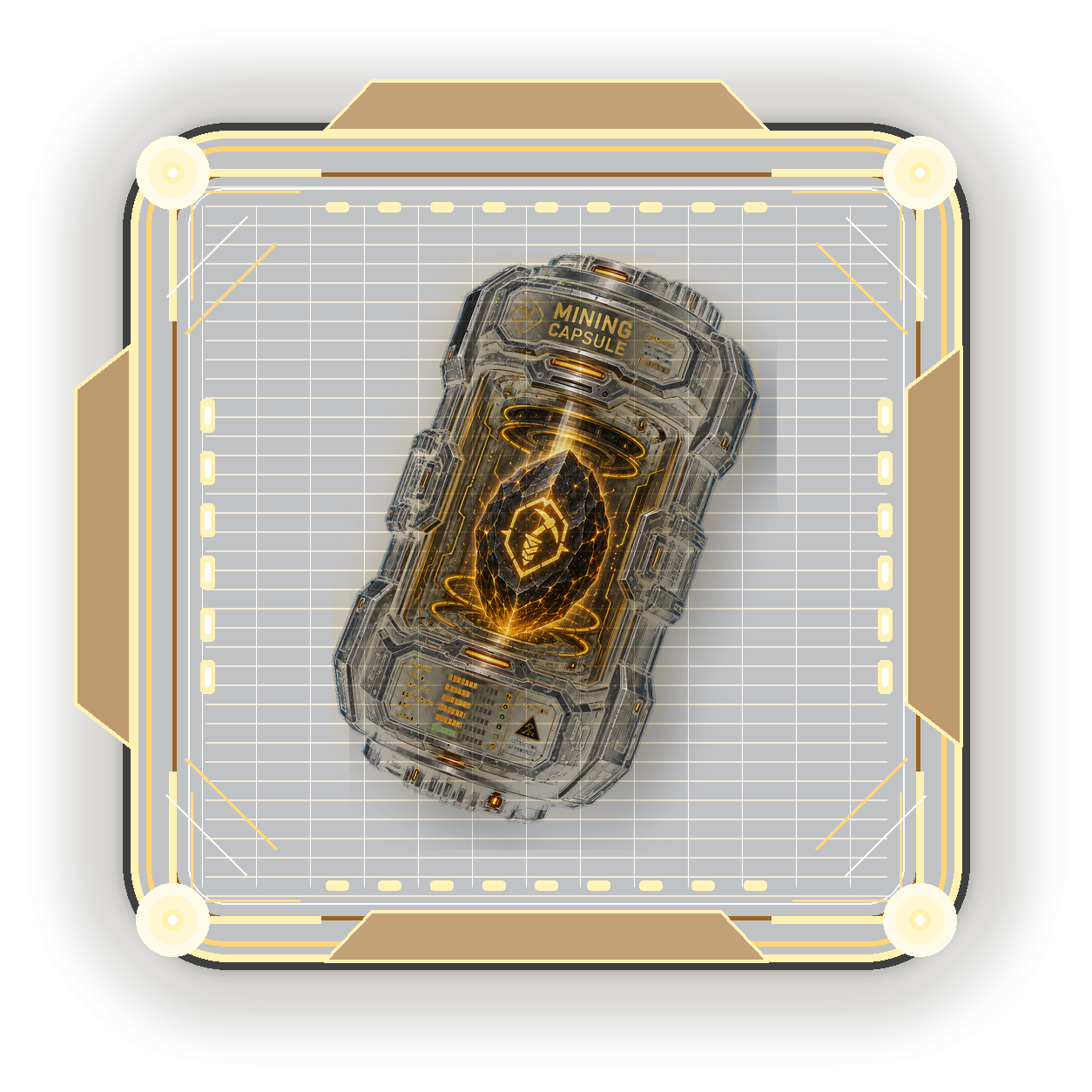
| Mining | Mining Yield, Mining Speed, Laser Efficiency, Cargo Capacity, Obscurian Yield | Oblivion Core Mining Boost |
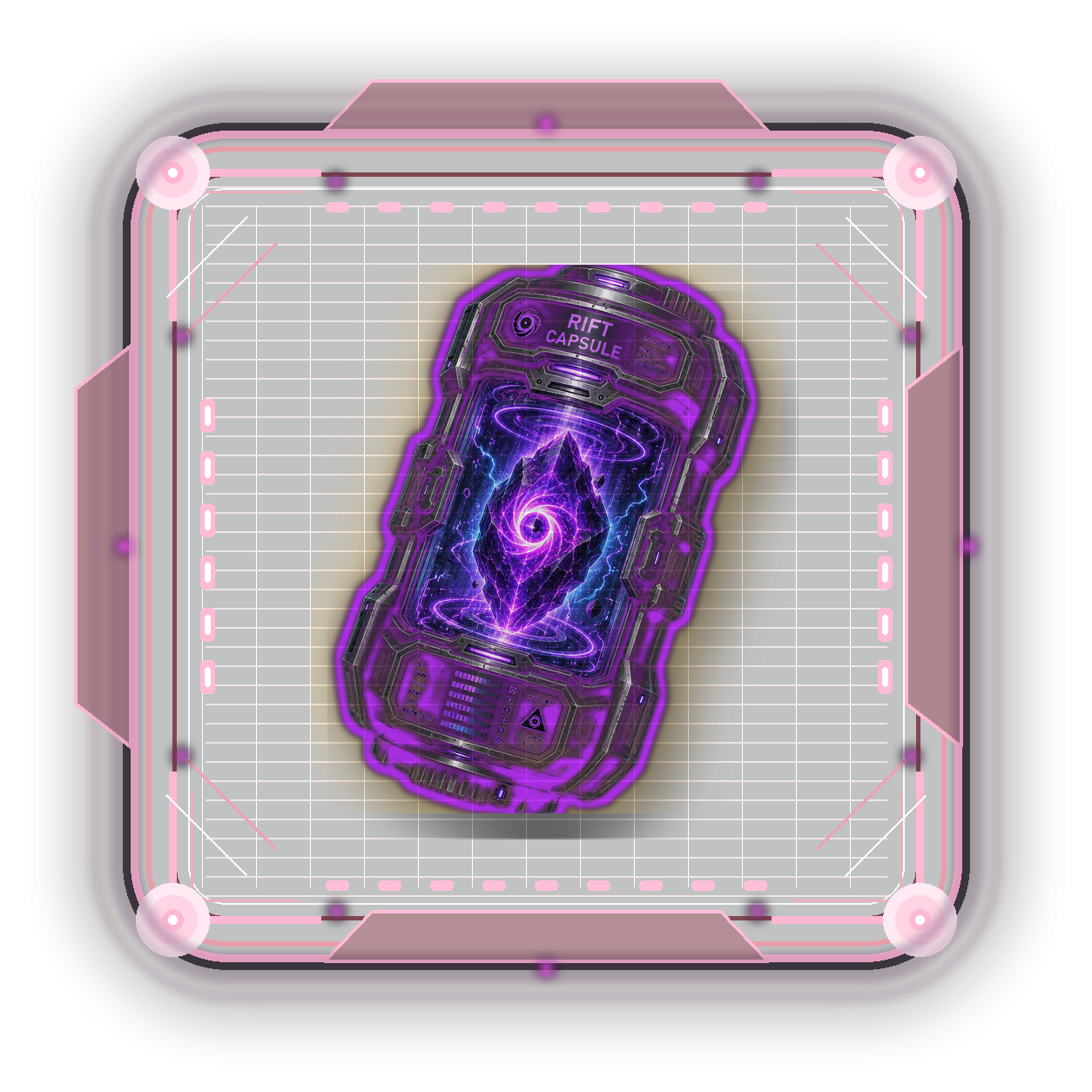
| Rift | Rift Damage, Rift Shield/Armor HP, Rift Boss Damage, Alien Resistance, Obscurian Drop | Epic Component Drop Chance |
| Support | Squad Bonus, Repair Efficiency, Shield Support, Ally Buff Duration, Cooldown Reduction | Boost Speed Increase |
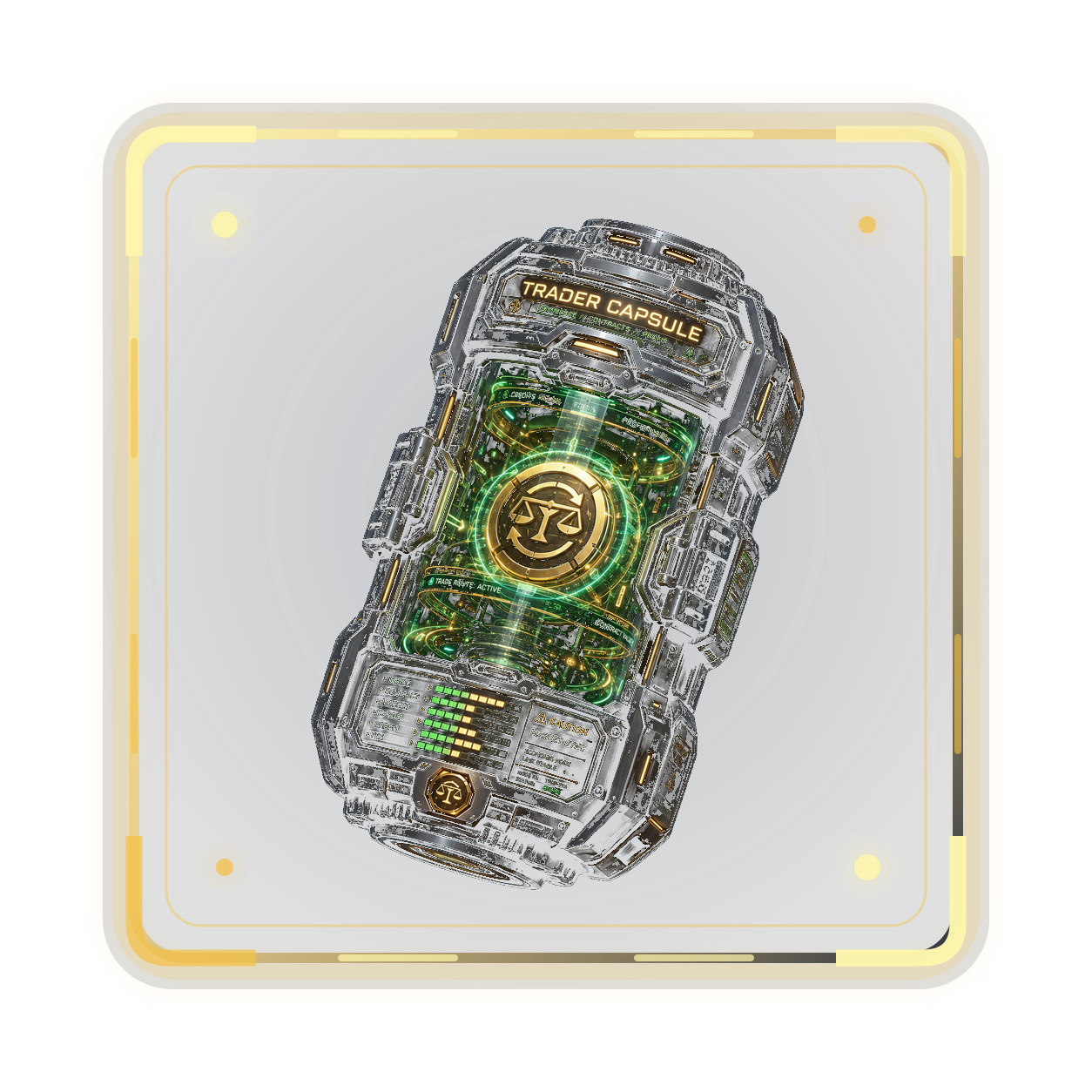
| Trader | Port Profit, Port Wait Reduction, Cargo Space, Ship Speed, Port Fee Reduction | Cargo Scan Failure, CROWN Marketplace Fee Reduction |
Pick a clone, choose the capsule path that matches your goal, and build toward a finalized augmented NFT.